Touch
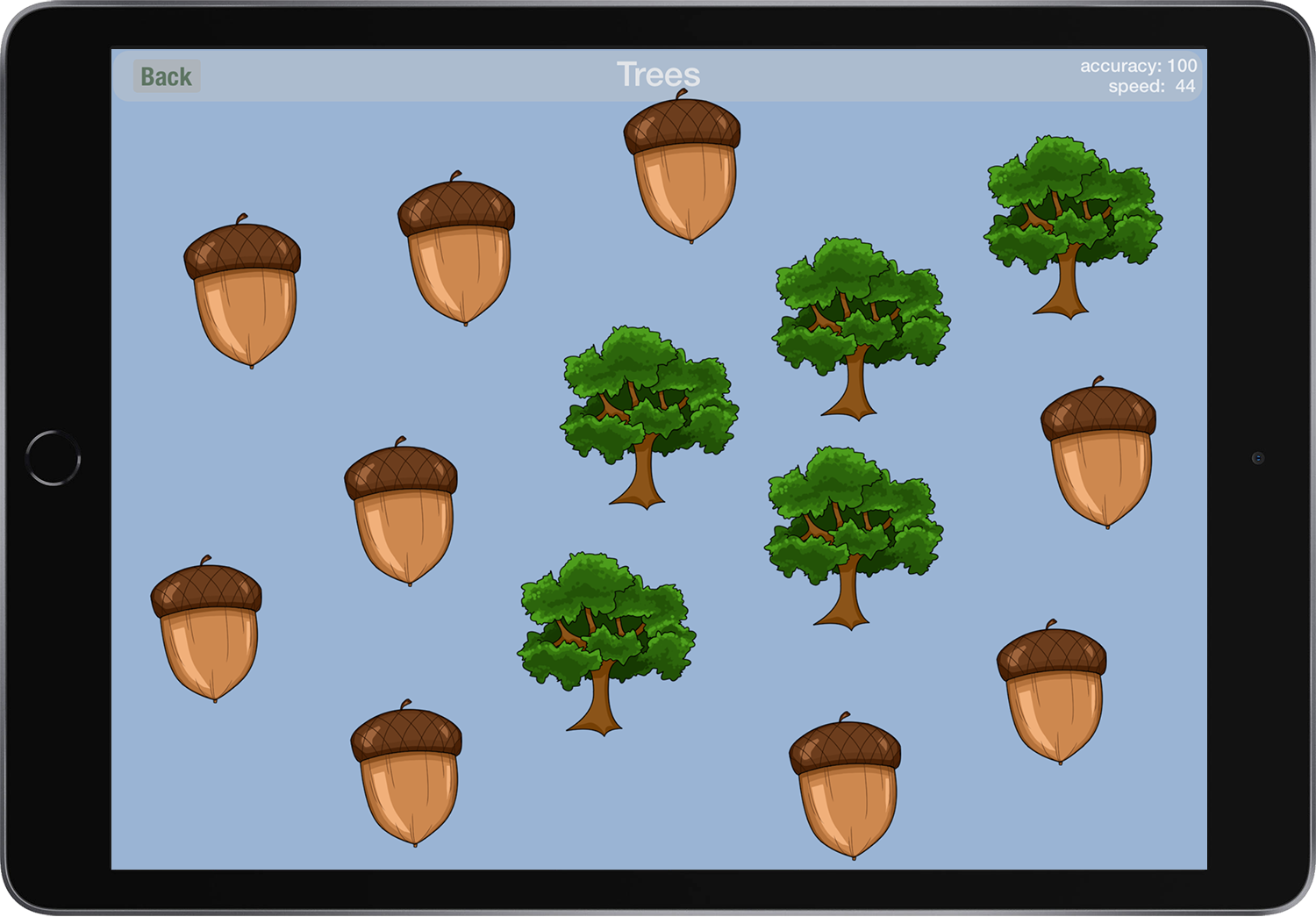
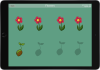
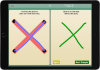
The Touch activity shows between 3 and 20 pictures on the screen. The child touches each one, in any order, to transform it to a new shape. This activity focuses on basic isolation of the index finger and visual scanning skills. It features 16 different levels, with different pictures and numbers of items. The size of the items may be changed to suit the child’s skill level.


Welcome!
Ready to Print
Ready to Print is developed by an Occupational Therapist with over 25 years of experience working with children. It is a comprehensive tool for parents, therapists and educators to help teach pre-writing skills to children in order to build a strong foundation for beginning printers.
It features a huge variety of activities and levels (194 levels in 13 activities) to keep beginning printers engaged, and advanced tracking, customization, and reporting features to help parents and educators.
Ready to Print progresses through the pre-writing skills in a specific order, so that children can master the visual-motor, visual-perceptual, and fine motor skills necessary for correct printing patterns. It is designed to teach children the correct patterns for printing, and to avoid bad habits that are difficult to change as the child gets older.
We are committed to keeping Ready to Print the most comprehensive pre-writing app available.
Features
Built for Therapists and Educators
Ready to Print includes these features:
• Provides activities for many pre-writing skills.
• Designed with a progression of skills that work towards correct printing patterns.
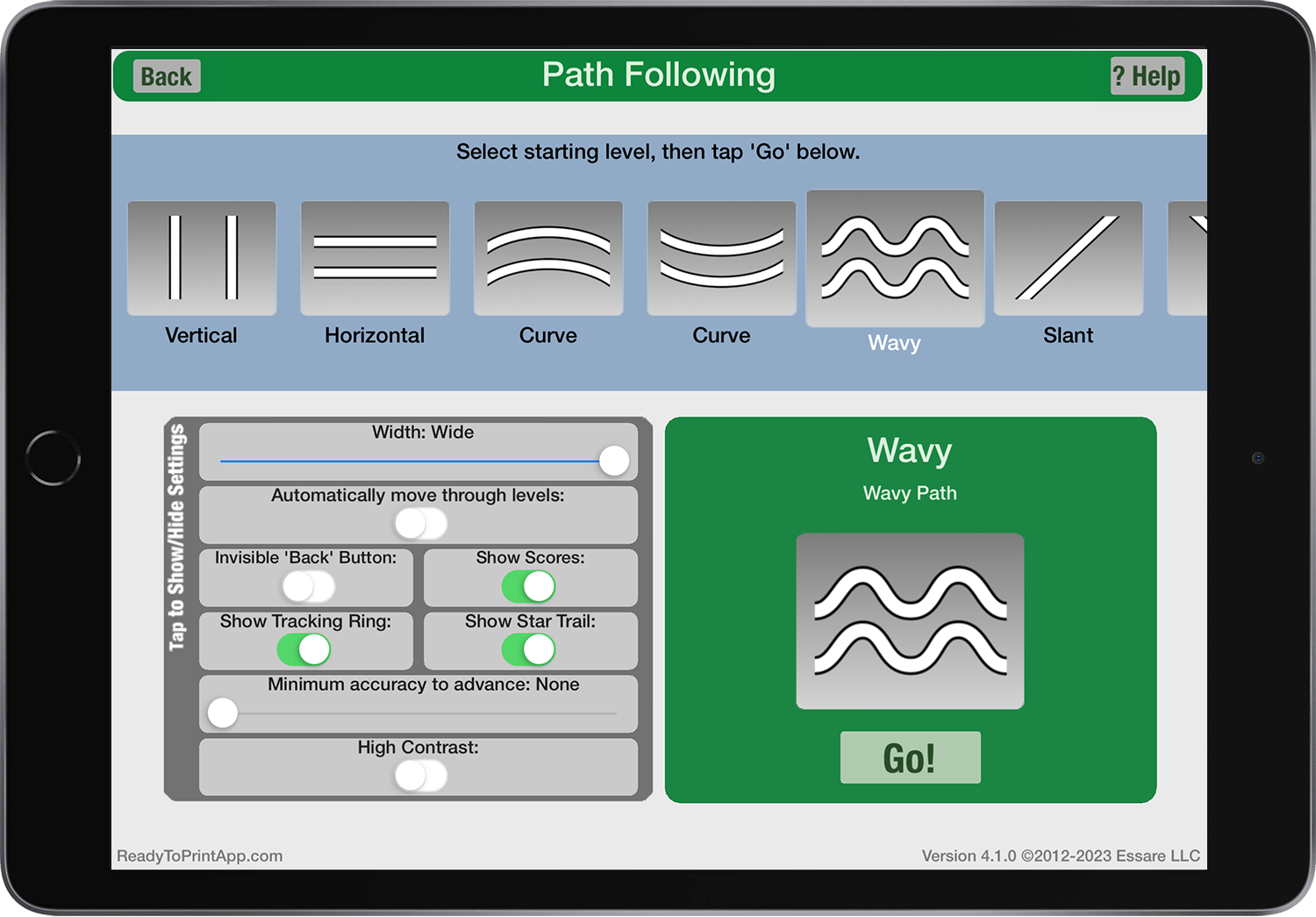
• Allows you to change size settings to match each child’s skill level.
• Lets you choose which activity and level to begin on.
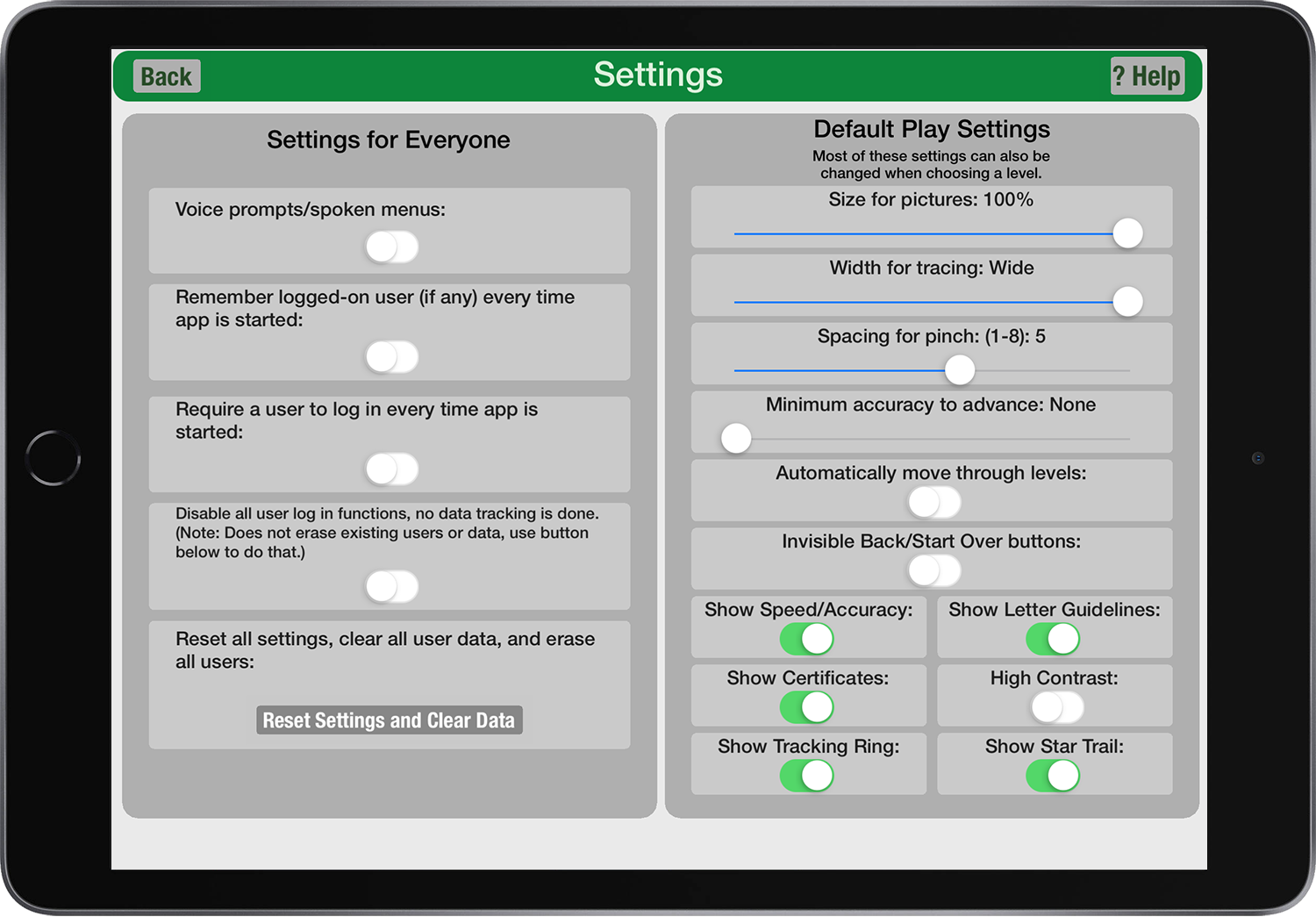
• Customize which activities and which levels are available for each student.
• High-contrast mode can be set by activity or by user.
• Change the scale / size of activities by activity or by user.
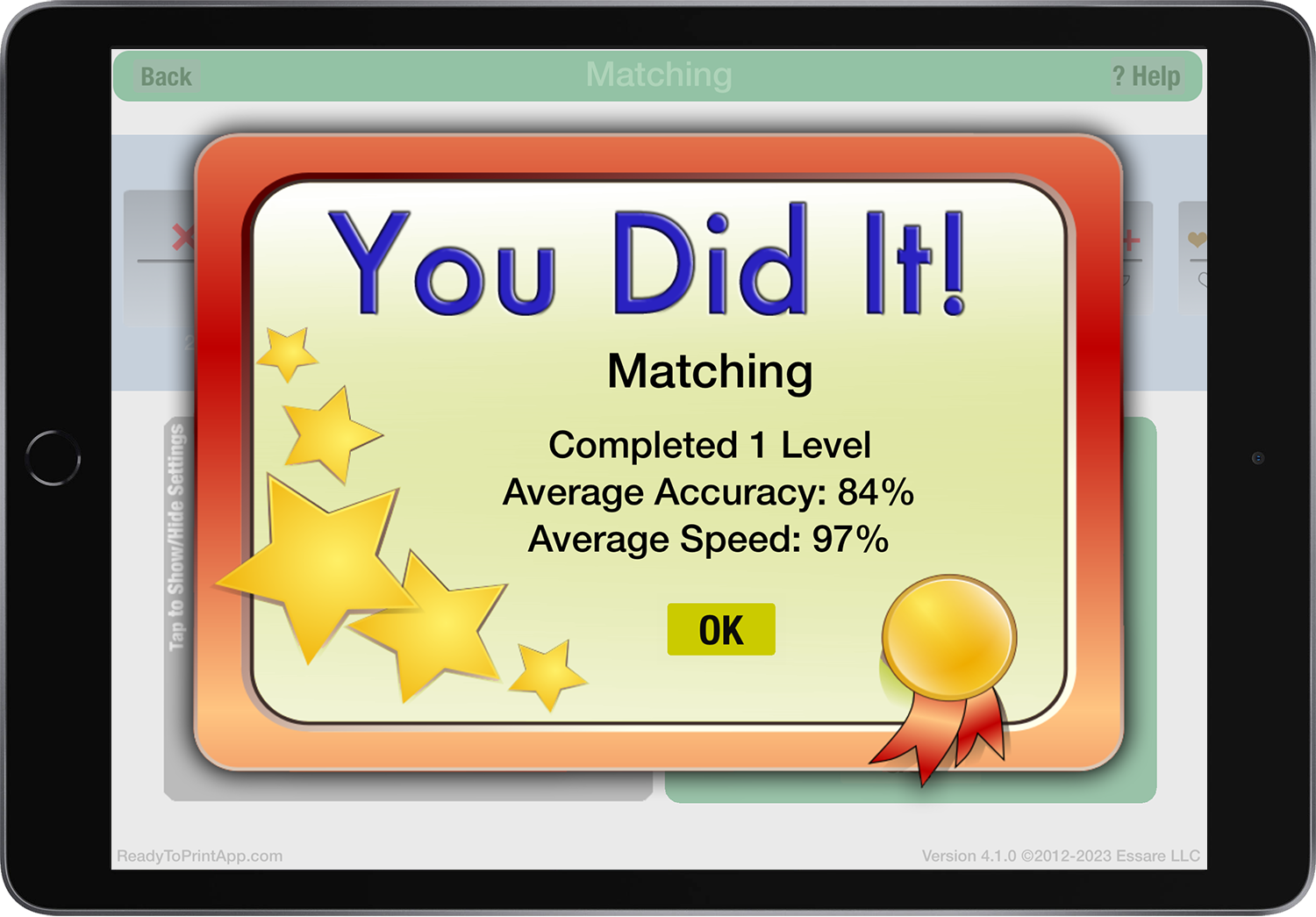
• Allows setting up multiple user profiles, and remembers skill settings and tracks progress for each user.
• For printing, turn guide lines (rules) on or off.
• Works with a stylus.
• Allows you to send progress reports via e-mail directly from the app (iPad/iPad Mini only, this feature not available on Kindle and Android versions).
• Detects the screen size of your device (e.g., iPad vs iPad mini, different sizes of android tablets and Kindles), and adjusts sensitivity automatically.
• Choose from either sound effects or professionally-recorded voice prompts.
• Free Companion Worksheets available for everyone at this link: Ready to Print Free Companion Worksheets
13 Activities
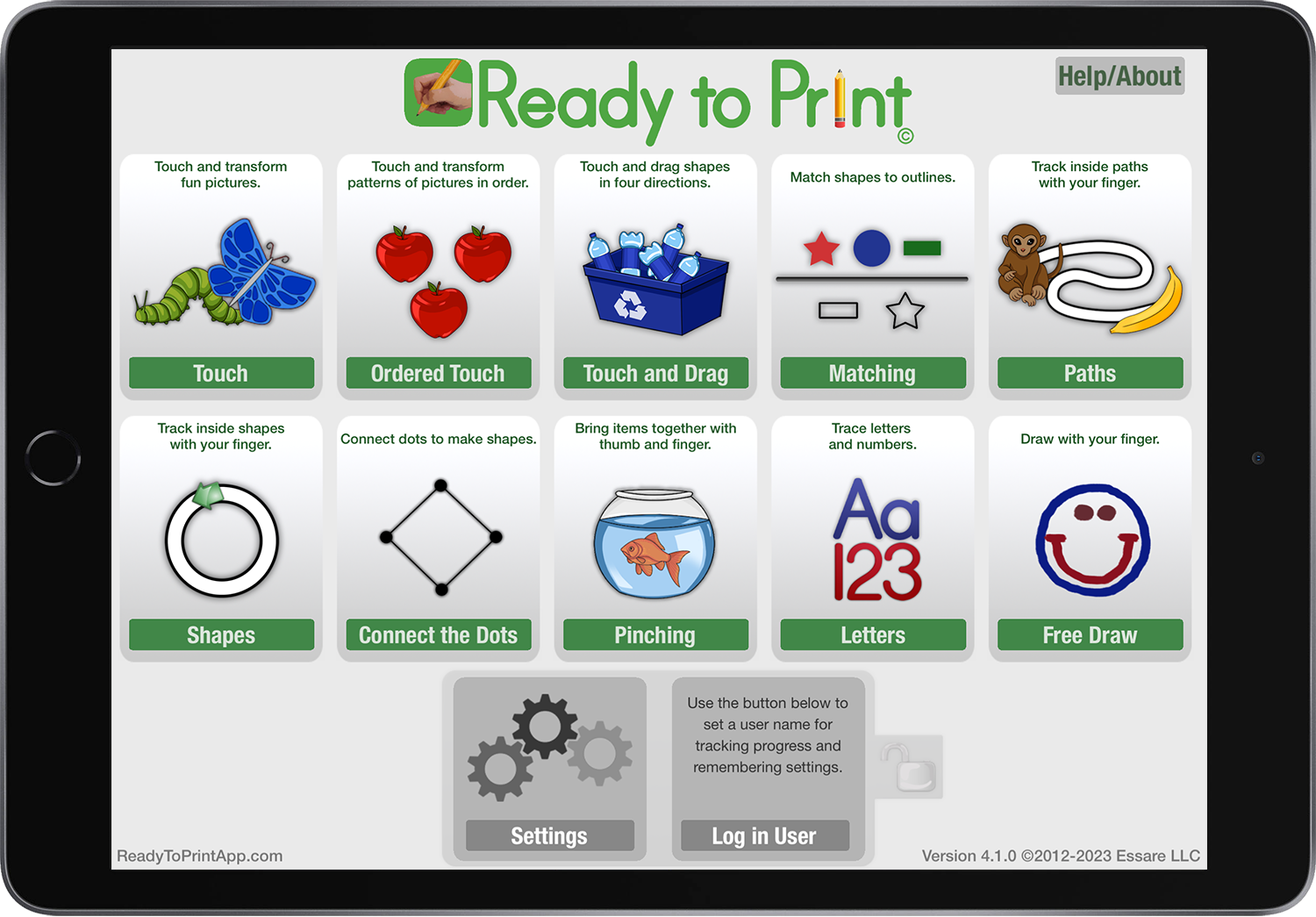
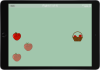
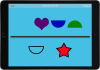
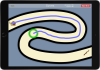
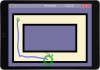
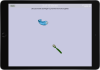
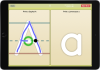
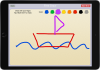
Ready to Print features thirteen different activities. All can be played with fingers, or use a stylus to work on pencil grasp. Scroll through all of the activities here.


Even More Educator Features
Login and Tracking
Using Ready to Print in a school or similar environment?
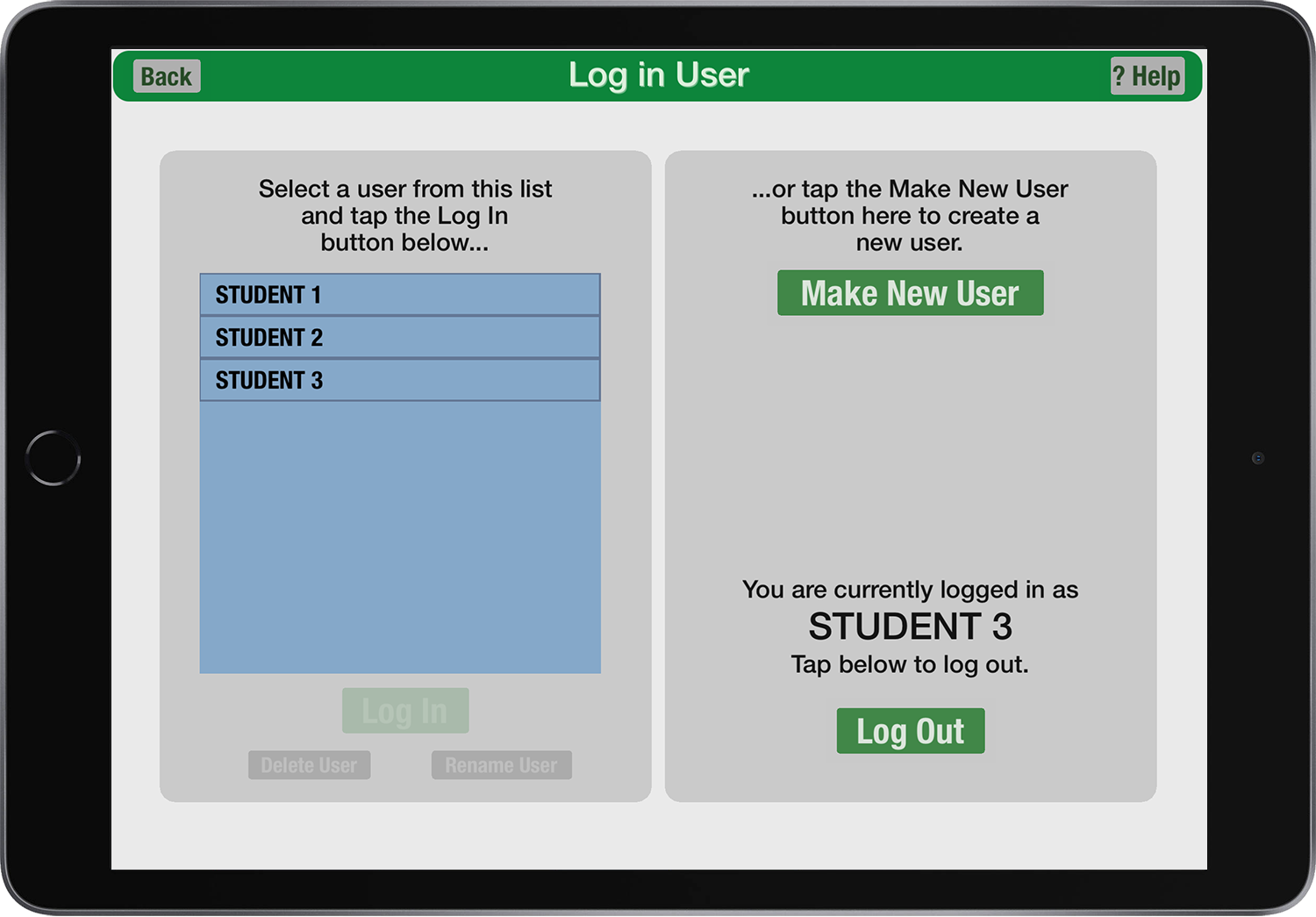
• Using Ready to Print’s optional Login features, the app can remember settings and track progress for multiple users. On the iPad, you can e-mail progress reports and tracing paths.
Testimonials
Feedback and Accolades
Recognition
• Great article by professional Occupational Therapist- Tech it Issie
• Children’s Technology Review Editors Choice Award
• Apps for Children with Special Needs Featured App
• A TeachersWithApps TWA Pick
• A FunEducationalApps Top Pick
• “This app is excellent for children of all ages and abilities because it targets so many different fine motor skills and at all different levels.” – BridgingApps.org
Feedback from Users
• “I love this app! It is great for working on so much beyond writing. I use it with several of my school-age and younger OT clients and have seen great facilitation of skill development with it, including attention to task, visual scanning, point/touch accuracy (including visual perceptual accuracy, motor control of hand/fingers, etc.), sequencing, cause & effect, symbol/picture recognition, and so much more…and that’s before you even get to the writing sections! We also have used this as a bridge to AAC use, with focus on finding a target and touching it with accuracy (a helpful skill for many AAC options!)
There is much more to this app than just printing. 👍
(Signed…OT with 29 years experience.)”
• “I truly love your app. I work in a special education school and paper handwriting tasks are difficult for my students. Your app engages them in handwriting tasks which I love!” – a school OT
• “My son and I really enjoyed playing with the app and it made learning fun without even realizing that he was practicing important skills” – The iMums
•”…a great, new app for your pediatric OT iTool Kit!” – OTs With Apps
•I love the pinching activity, and the fact that you can have different profiles to keep track of different people using the app. – Therapy Fun Zone
•”It’s such an awesome app…I’ll be sure to recommend it to all of my friends who have kids.” – Parent
•I love this app – Teacher
•It’s really nice to have the data component – School OT
•It’s the best I have tried – OT
•I really love all aspects of the program – School OT
•The App is Amazing! – Teacher
•Definitely my favorite therapy app! – OT
Free for Everyone
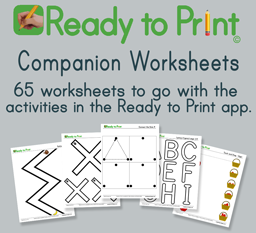
Free Companion Workseets
Ready to Print Companion Worksheets are printable PDF files that are free for everyone to use. They feature patterns and graphics taken directly from the Ready to Print app. Download the worksheet packets individually by activity, or download a ZIP file containing all packets in one file.
•Paths (30 sheets, 5.9MB)
•Shapes (10 sheets, 1.2MB)
•Connect the Dots (11 sheets, 300 KB)
•Touch and Drag (4 sheets, 1.5MB)
•Letters and Numbers – Large (7 sheets, 2.3MB)
•Letters and Numbers – Small (3 sheets, 2.3MB)
•All Worksheets in ZIP file (11.1MB)
•Shapes (10 sheets, 1.2MB)
•Connect the Dots (11 sheets, 300 KB)
•Touch and Drag (4 sheets, 1.5MB)
•Letters and Numbers – Large (7 sheets, 2.3MB)
•Letters and Numbers – Small (3 sheets, 2.3MB)
•All Worksheets in ZIP file (11.1MB)
(To save file to your computer, right click on the filename above then select “Save as…”)
Contact us / Support
We're here to help
Contacting us
If you have a technical question, purchasing question, a question about how to use Ready to Print, or any suggestions or feedback, we’d love to hear from you. Please drop us a line at via our contact page or by email at support [at] essare [dot] net.
Guided access mode on iPad
Read about how to lock Ready to Print (or any other app) on-screen on an iPad with Apple’s instructions HERE
Privacy Policy
Your students' privacy is important
Ready to Print is a self-contained app – all of the app’s data stays on the device. Read our full privacy policy here: Ready to Print Privacy Policy
47003
+Ready to Print Downloads
30
+Updates Released

© Copyright 2026 Essare LLC. All Rights Reserved.
Heads Up
If you're viewing this on your phone, the app store page will show the app as "Unavailable for your device". That's because Ready to Print is for tablets only. Find us in the appstore or visit our site from your tablet, and it will be available!
This will close in 20 seconds